What Is CRM? How It Works and When Your Business Needs It
Learn what CRM means, how CRM software works, what it costs, and when to use it. Compare tools, see a practical example, and avoid common setup mistakes.
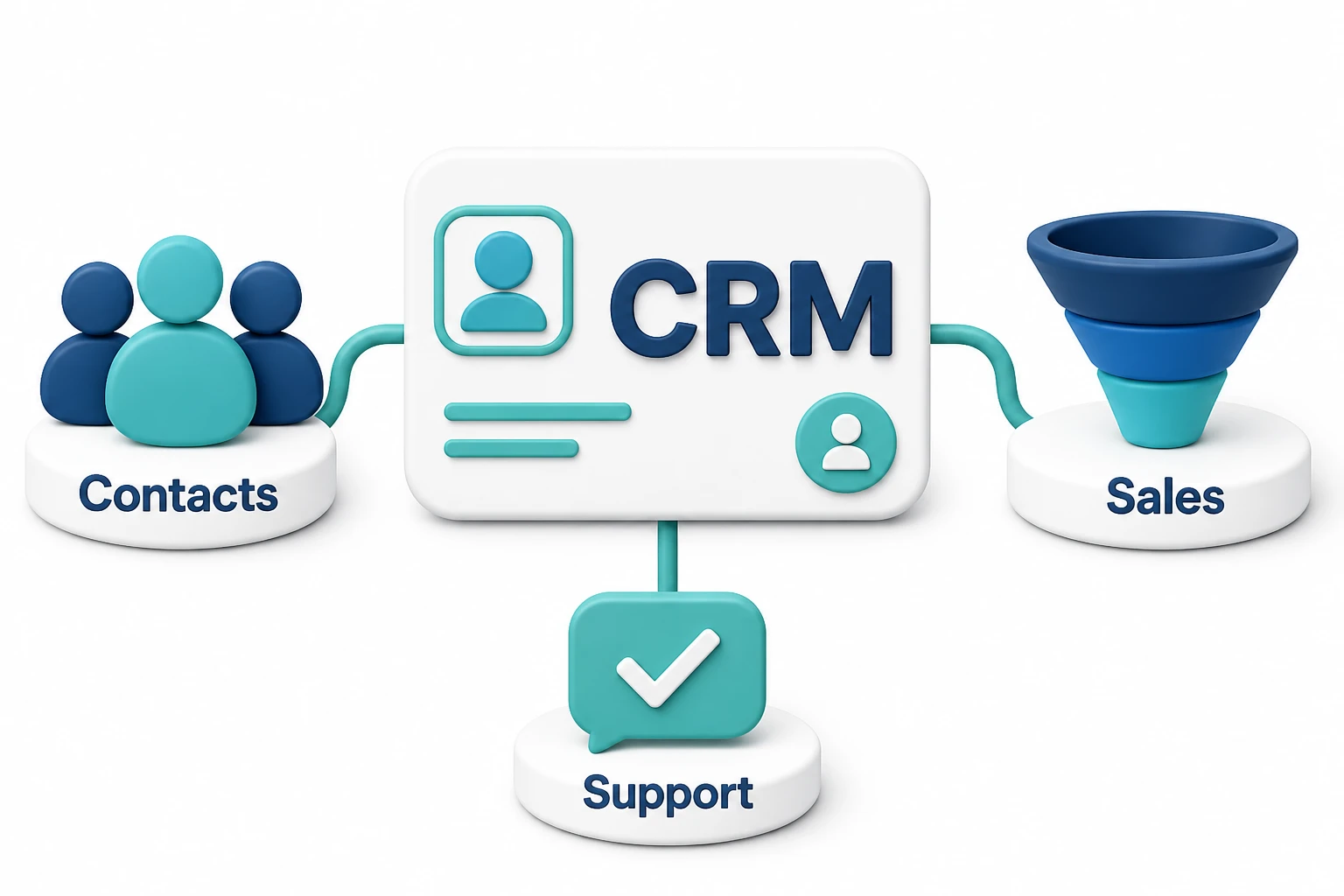
CRM stands for customer relationship management, which means managing how a business works with current and potential customers. CRM software keeps contact details, messages, sales progress, and follow-up tasks in one shared place, so teams can see what each customer needs and what should happen next. CRM also refers to the business practices behind the software, because a tool alone cannot create good customer relationships.
What Does CRM Mean in Everyday Business?
Customer relationship management means keeping track of customer needs and using that knowledge to improve each interaction. The software helps, but the real work is deciding who follows up, what they need to know, and how your business keeps its promises.
Think of a CRM system as a shared customer record with a plan for the next step. Instead of searching through email threads or asking a colleague what happened on a call, a team member can open the record and see the relevant history.
A CRM usually connects several kinds of information:
- Contact details, such as a name, email address, phone number, and company.
- Past activity, including calls, meetings, messages, and purchases.
- Sales opportunities, which are possible deals your team is working on.
- Tasks, such as sending a quote or checking whether a customer needs help.
- Record ownership, which shows who is responsible for the relationship.
The difference between a contact and a deal matters. One customer may buy several services over time, so the customer record should hold the relationship history while separate deal records track each purchase. Treating every new purchase as a new customer creates duplicate records and makes the full history harder to follow.
For businesses connecting marketing with sales, Digital Natix explains the difference in practical terms: a new inquiry needs both a reliable customer record and a clear next action. Saving someone's email address is not enough if nobody knows who should reply.
How Does CRM Software Work?
CRM software collects customer information, connects related records, and helps staff move work forward. Depending on the product and its settings, information can come from manual entries, website forms, connected email accounts, phone systems, or other business tools.
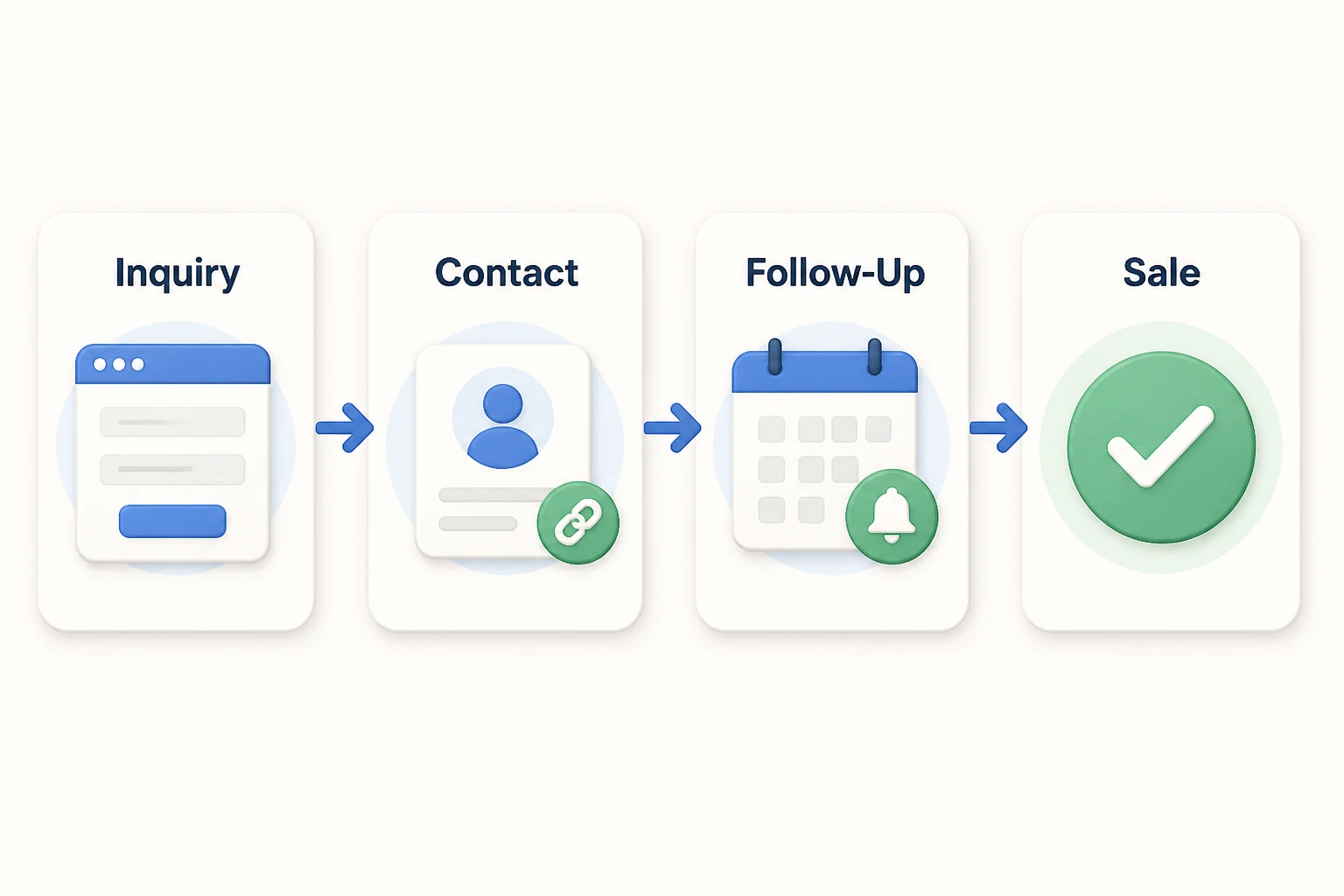
Imagine a small maintenance company receiving a request for a service quote. The steps below show how a CRM could handle that request, rather than describing a reported customer result.
- Capture the inquiry. A website form sends the person's details and request into the CRM.
- Check for an existing record. The system or a team member checks whether the person is already a customer, which helps prevent duplicates.
- Assign responsibility. A staff member takes responsibility for the inquiry and receives a task to respond.
- Track the quote. A deal moves through stages such as inquiry received, visit booked, quote sent, and accepted.
- Record the outcome. Staff mark the deal as won or lost and record the reason when useful.
- Plan the next contact. After the work is complete, the CRM can hold a service reminder or follow-up task.
Those deal stages form a sales pipeline, which shows possible sales grouped by their current step. A pipeline helps teams see where work is stuck, but only when each stage has a clear meaning.
For example, moving a deal to “Quote Sent” should mean a real quote reached the customer, not that someone plans to write one. Vague stage rules make reports look more promising than the actual sales outlook.
Email tracking also has limits. Some tools record message opens, but privacy settings and automated email scanning can make those signals unreliable. A reply, booked meeting, or accepted quote is stronger evidence of progress.
What Can You Do with a CRM?
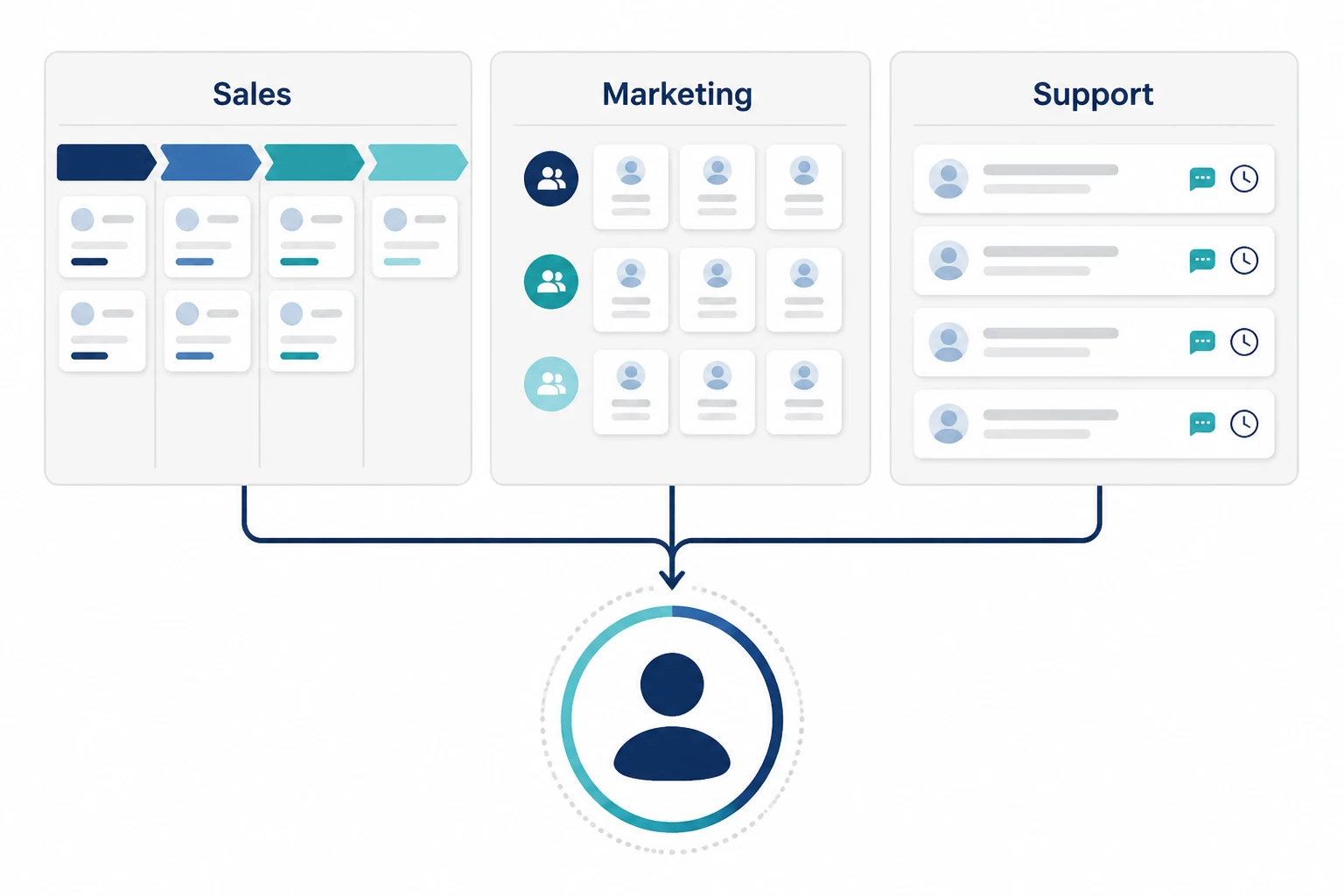
A CRM can help teams manage sales, marketing, and customer service, though the features vary by product and subscription. The most useful functions are those that solve a specific problem in the way you already work.
| CRM Feature | What It Does | When It Helps Most |
|---|---|---|
| Contact management | Keeps customer details and history together | Several people speak with the same customer |
| Pipeline management | Shows deals by their current stage | Sales take more than one conversation |
| Tasks and reminders | Records the next action and its owner | Follow-ups are being missed |
| Email and calendar connections | Brings relevant messages and meetings into the record | Staff spend time searching separate tools |
| Customer groups | Sorts contacts by shared traits or interests | Different customers need different messages |
| Workflow automation | Runs actions when a set condition is met | Staff repeat the same steps often |
| Service tracking | Records requests, problems, and their status | Customers need help after buying |
| Reports | Summarizes activity, deal progress, and outcomes | Managers need to find delays or weak points |
Some CRMs include service tracking and marketing tools, while others require extra products or paid add-ons. Check the actual plan rather than assuming every product described as a CRM includes every feature.
Where Automation and AI Fit
CRM automation follows rules, such as creating a task when a quote is sent. AI features may summarize calls, draft emails, or suggest which inquiries deserve attention, but their output still needs review.
A sensible first step is to automate a process that works well and that staff already understand. For example, a form submission could create a record, assign an owner, and set a response task. AI agents, chatbots, and workflows may help connect those steps when several tools are involved.
A common mistake is letting a chatbot collect inquiries without a clear way to pass them into the CRM. The conversation may appear successful while the sales team never receives a usable record or task.
Before turning on automated customer messages, set clear rules for consent, timing, and exceptions. A customer who has already replied should not keep receiving reminders asking for a reply.
CRM Vs. Spreadsheets, Email Tools, and ERP
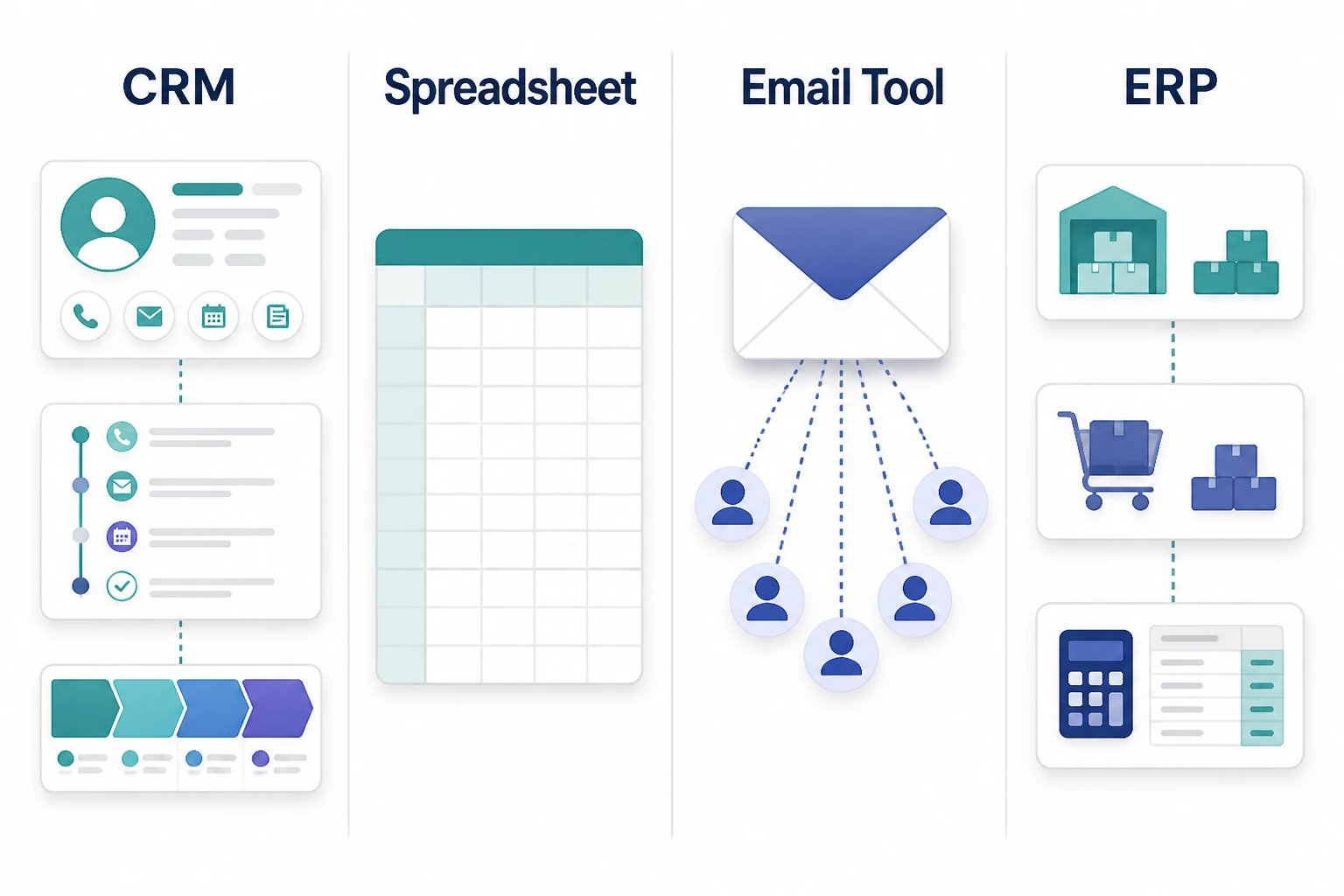
A CRM manages customer relationships and sales activity, while other tools handle different jobs. A spreadsheet can store records, an email platform can send campaigns, and an ERP system manages core business operations such as stock, purchasing, and accounting.
| Tool | Main Job | What It Usually Does Not Replace |
|---|---|---|
| CRM | Tracks customer history, deals, and next actions | Full accounting, payroll, or stock management |
| Spreadsheet | Stores and calculates flexible lists of data | Built-in activity history, access rules, and follow-up workflows |
| Email marketing tool | Sends campaigns and manages mailing lists | Detailed sales ownership and deal tracking |
| ERP | Connects operations such as finance, purchasing, and inventory | A dedicated sales workflow unless CRM features are included |
ERP stands for enterprise resource planning. Some ERP products include CRM functions, and some CRM products include email marketing, so these categories can overlap.
The better choice depends on the job, not the label. A spreadsheet may be enough when one person manages a small contact list and can reliably track every next step. A CRM becomes more useful when several people need to share history, assign work, or manage deals across multiple stages.
You may also need both a CRM and an email marketing tool. In that case, decide which system keeps the main record for each piece of information. For example, an unsubscribe recorded in one tool should reach the other before another campaign is sent.
When Does a Business Need a CRM?
A business needs a CRM when managing customer information and follow-ups by hand starts causing missed work or confusion over who is responsible. Business size alone is not the best test, because a small team with complex sales may need a CRM before a larger team with simple transactions.
Look for problems that repeat:
- Two staff members contact the same person without knowing it.
- Quotes sit unanswered because nobody is responsible for the follow-up.
- Customer history leaves with an employee when they change roles.
- Managers cannot tell which deals are active and which have stalled.
- Support staff ask customers to repeat details already given to sales.
A CRM helps solve these problems by making history and responsibility visible. It does not fix poor service, an unclear offer, or a sales process that nobody follows.
For example, a business handling a few high-value contracts may benefit from detailed deal tracking even with a small contact list. A retailer handling many one-time purchases may get more value first from its checkout and order system, then add a CRM when repeat relationships become a priority.
Judge the CRM's value by how well it solves your chosen problem. If missed follow-ups are the issue, track overdue tasks and response times rather than judging success by how many contacts were imported.
How Much Does CRM Software Cost?
CRM software ranges from free plans to paid subscriptions that charge per user each month. For many small-business products, basic to mid-level paid plans are roughly USD 15 to USD 100 per user per month, though pricing varies by supplier, country, billing term, and included features.
Some vendors charge by contact count, usage, or product bundle instead of the number of users. Advanced plans can cost more than this range, and a free plan may limit users, storage, automation, or reports.
For a simple example, five users on a plan costing USD 30 per user per month would cost USD 150 per month, or USD 1,800 per year, before tax and extras. This is a budgeting example, not a vendor quote.
The full cost can also include:
- Moving and cleaning existing data.
- Training staff and getting setup support.
- Connecting email, accounting, phone, or website tools.
- Paying for extra features, storage, messaging, or AI usage.
- Maintaining reports and automation over time.
With a cloud CRM, the vendor hosts the software and users access it online. An on-premises CRM runs on systems managed by the business or its chosen provider, which brings more responsibility for updates, backups, and security.
Cloud software is often simpler to start using, but check where data is stored and which hosting choices the plan supports. Do not assume a vendor's local sales office means your customer data stays in that country.
The cheapest subscription is not always the lowest-cost choice. If a lower-priced plan cannot connect to your existing tools, the time staff spend copying information may cost more than you save on the subscription.
How to Choose and Set Up Your First CRM
Choose a CRM by testing how you handle real customers, not by comparing the longest feature lists. A useful trial should show whether staff can find a record, understand its history, and complete the next action without extra help.
Use a small sample of realistic records during the trial, but avoid uploading sensitive customer data before reviewing the vendor's terms and security settings.
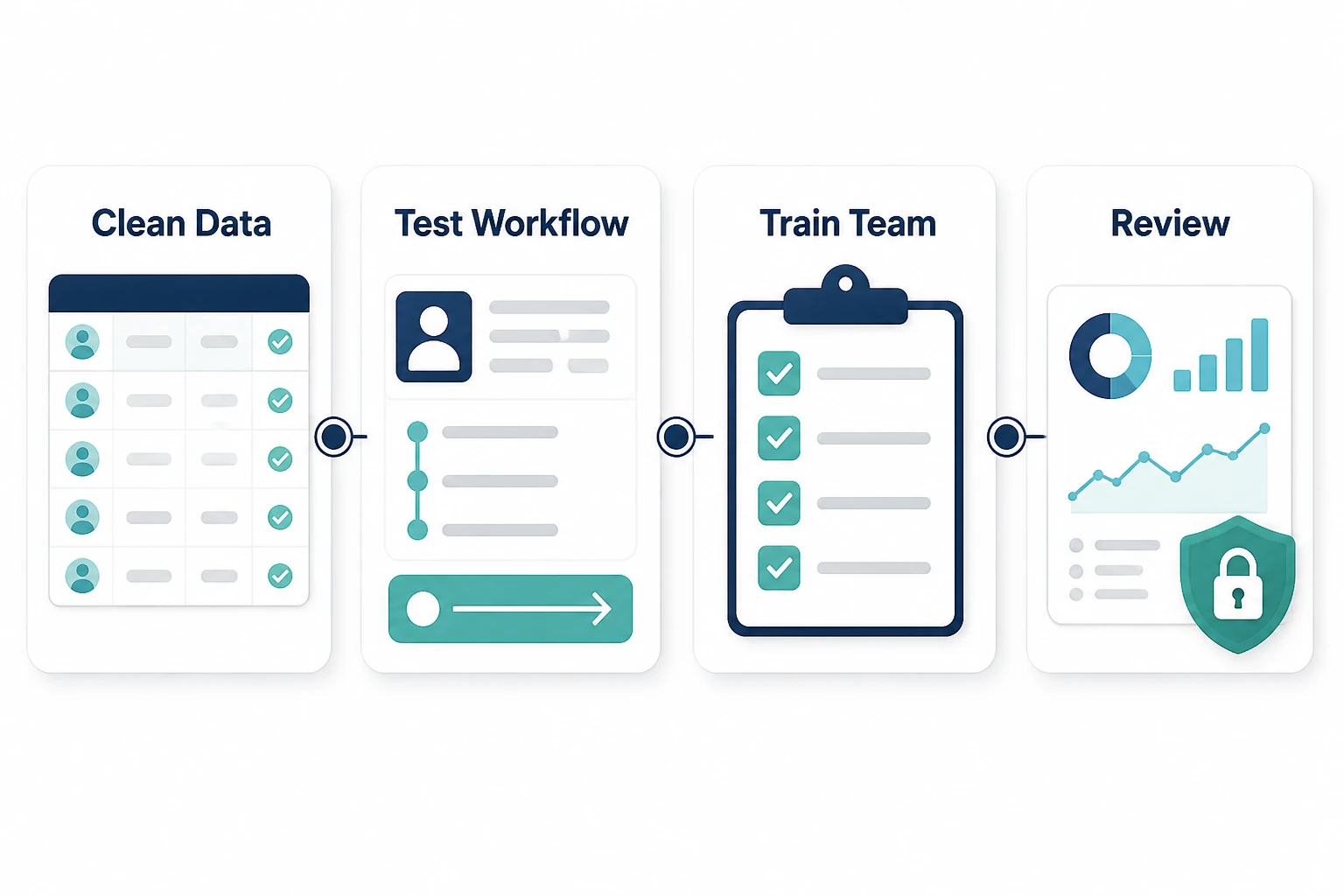
- Name the problem. Choose a clear goal, such as making sure every new inquiry has an owner and a response task.
- Map the current process. Write down how an inquiry becomes a sale and what happens after the purchase.
- Keep fields focused. Start with details staff need to act, such as contact information, owner, deal stage, and next action.
- Clean the data. Remove duplicates, make entries consistent, and decide how to handle old records before importing them.
- Test a full journey. Run a sample inquiry through assignment, follow-up, quote, sale, and handoff to service.
- Set access and ownership. Decide who can view, edit, export, or delete customer records, and who manages the system.
- Train staff and review use. Show staff in each role how to do their daily tasks, then check whether records and next actions stay current.
What to Check Before You Commit
A CRM trial should test both everyday ease of use and what happens when something goes wrong. Good software needs practical rules for duplicate records, absent staff, failed connections, and customers who ask to stop receiving messages.
Everyday Use:
Ask a salesperson to find a customer, record a call, and schedule a follow-up. If basic work takes too many clicks, staff may return to private notes and the shared record will become incomplete.
Data and Access:
Check export options, role-based access, backups, and multi-factor authentication, which adds another sign-in check beyond a password. Keep only the customer details you need, because collecting extra personal information creates risk without always adding value.
Connections and Reporting:
Test whether connected tools share the right fields and handle changes correctly. A connection that creates contacts but misses updated email addresses or unsubscribe requests can cause costly mistakes.
Reports also need clear definitions. A forecast, which estimates likely future sales, is only as useful as the deal values, stages, and expected close dates entered by staff.
Start with one working process before adding more automation. A CRM earns its place when it helps the team make the next customer interaction clearer, faster, and better informed, not when it holds the largest amount of data.
Frequently Asked Questions
Is CRM the Same as CMS?
CRM and CMS are different tools: CRM manages customer relationships, while a CMS manages website content. CMS stands for content management system, and WordPress is a familiar example. The two can connect so a form on your website sends an inquiry into your CRM, but neither automatically replaces the other.
Can I Use a CRM Without Knowing How to Code?
You can use most cloud CRM products without knowing how to code. Common tasks such as adding contacts, building a sales pipeline, and creating reminders usually use forms and menus. More complex connections or custom features may need technical help, so test your required workflow before assuming every part of the setup will be simple.
How Long Does It Take to Start Using a CRM?
A small team with clean data and a simple process may start using a CRM within a few days, while a larger rollout can take weeks or months. The time depends on data cleanup, connections, training, and approval needs. Opening an account is quick, but making the system reliable for daily work takes more planning.
Can Nonprofits Use CRM Software?
Nonprofits can use CRM software to manage donors, volunteers, supporters, and other relationships. Their records may track donations, event attendance, or volunteer interests rather than sales opportunities. A nonprofit should check whether a general CRM supports those needs or whether a fundraising-focused product offers a better fit, especially for donation receipts and recurring gifts.
Can I Store Patient Information in a CRM?
You should store patient information in a CRM only after confirming that the product and your setup meet the health privacy rules that apply to your organization. A general business CRM is not automatically suitable for medical records. Review the vendor's contracts, access controls, hosting, and required safeguards with a qualified privacy or legal adviser before adding sensitive data.
Want us to look at your situation?
Share your website and goals. We will reply with honest, specific suggestions.